— Technical Design —
Game Template
Summary
This template is created to be used in my Bioshock-inspired piece, “The Estate“.
The aim of the template is to re-create some of the mechanics found in the Bioshock games:
- A weapon and power system
- An enemy, with a behavior system utilizing StateTree logic
- A stealth system with enemy detection
- A UI that tracks multiple values such as player health and energy, enemy health, ammo etc.
Breakdown
- Created in 4 weeks (half time)
- Unreal Engine 5.6.1 using the Single playerproject as a base, made by Epic
- Asset Details:
- Health pack, Energy pack and Bullet case models from “Tactical Starter Pack”
- Animations from “Game animation mega pack”
— The Systems —
Setting up the system structure
Equipment Management
A core feature of Bioshock is the ability to swap between equipped weapons and powers.
I wanted to make this equipment system dynamic to make it easier to scale the system and add as many types of equipment as needed.
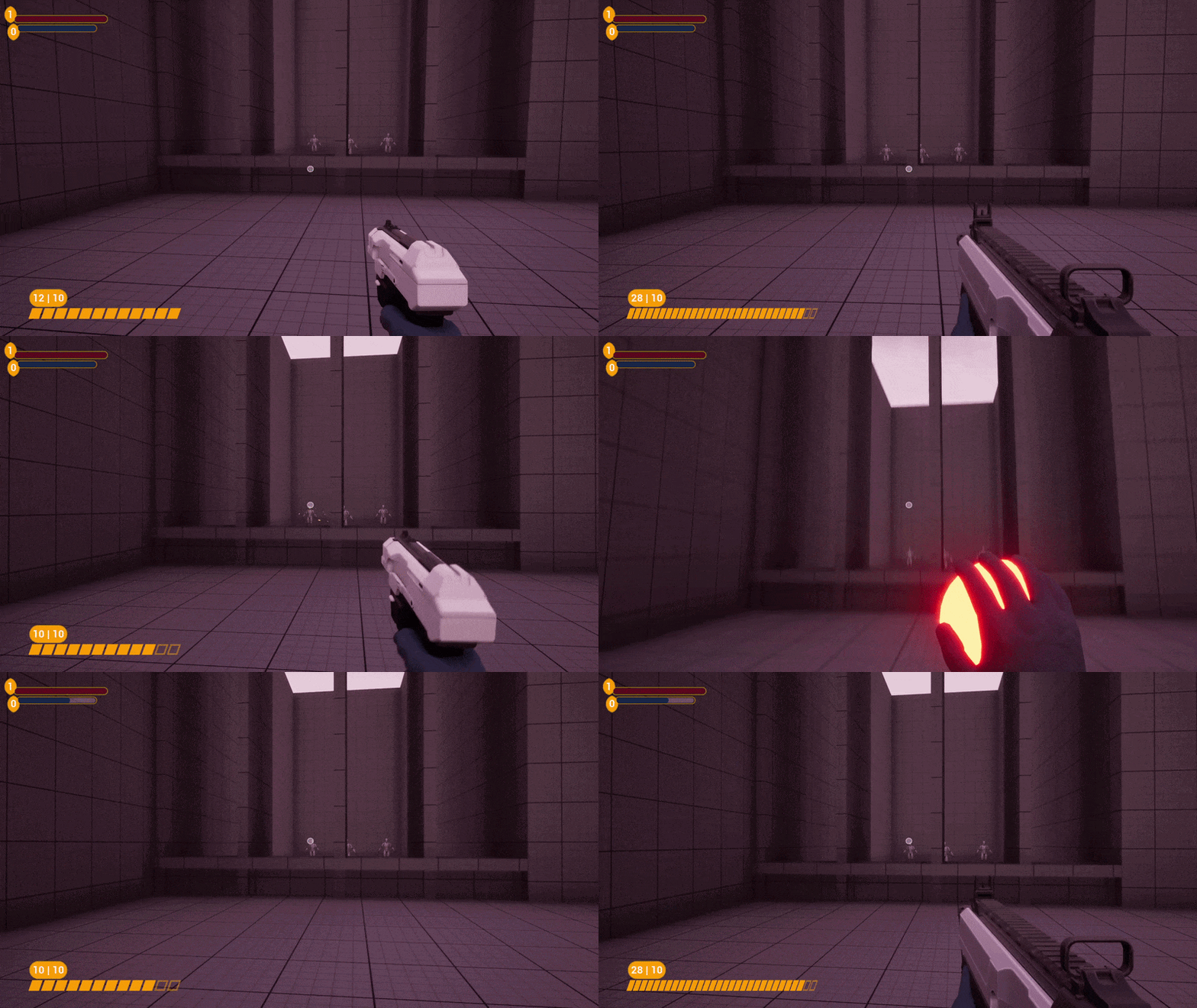
This system uses one main interface class, “Equipment Holder”. Through this interface, all equipment related functions are handled.
This lets me control the behavior of all equipment, such as equipping, activating, reloading etc.
A benefit of using interfaces is that I can add this interface to existing blueprints and it will have access to all equipment calls and function stubs defined in the interface.
Scalability
Instead of having implement each equipment separately, I utilized inheritance to make it it scalable.
This resulted in less code repetition and made it easier to maintain the same general behavior for all equipment.
By using Structures and Data Tables I could lessen the hassle of implementing new equipment.
I could also use the same data tables for other systems, such as the pickup-blueprint.
Inventory Management
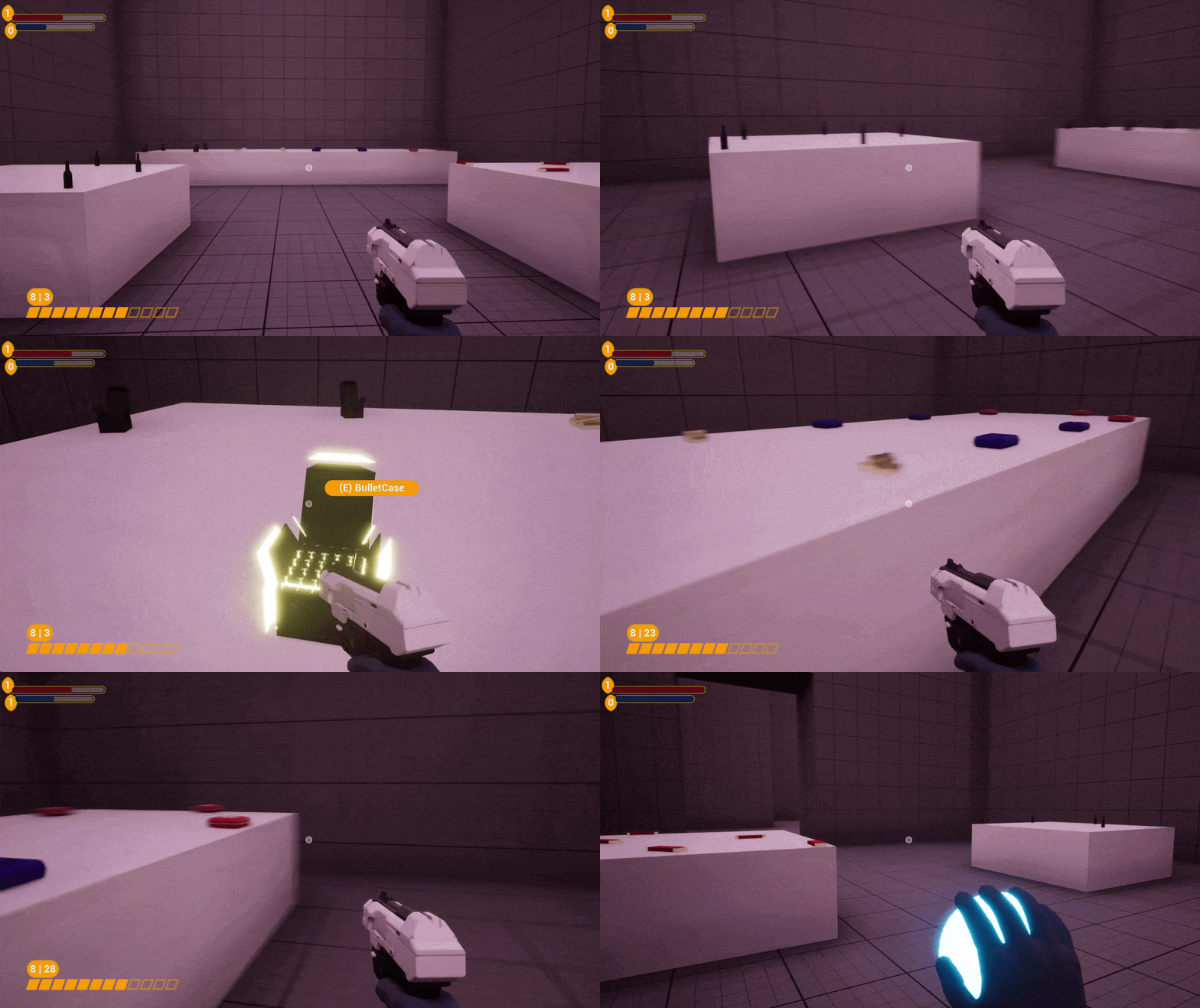
Using this item system, I created a consumables-system, featuring Health packs, Energy packs, Ammo as well as food and drinks.
Since there was no need for a full graphical inventory, I added helper functions and variables to the player blueprint to keep track of the “inventory”.
Hud and Interaction
By implementing a HUD handler interface, I can send all values from the player character and directly link them to the HUD.
I also implemented an interaction system using a similar interface.
Weapon functionality
Instead of creating a “hitscan” bullet-system using line-traces, I implemented a system where all equipment would shoot a physical projectile.
By defining what projectile class each equipment used, I could create different projectiles, such as bullets or area-of-effect explosions.
Input and player character
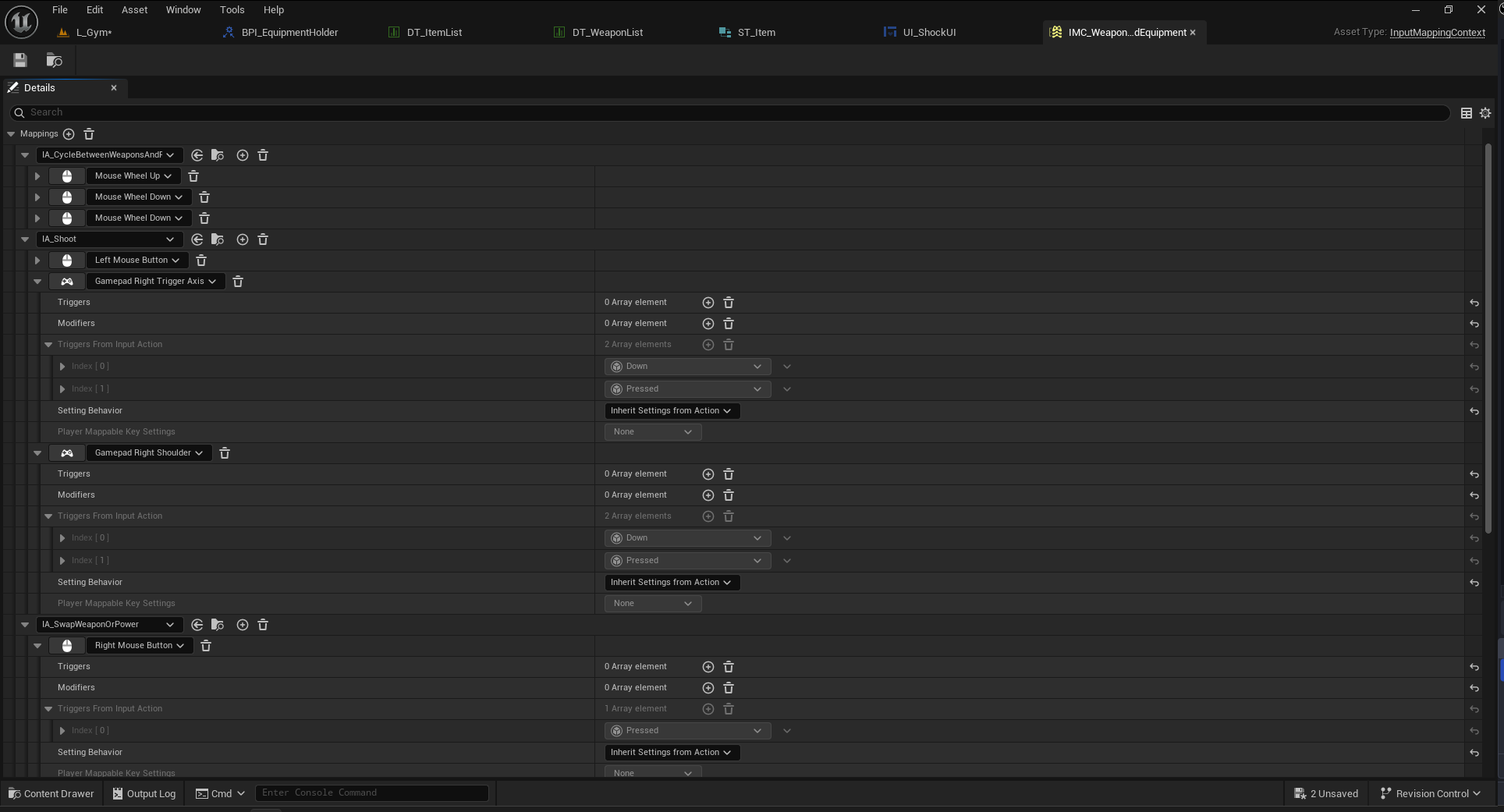
By using an input context class which uses the input action system in Unreal, I could easily add support for multiple inputs, as well as controller support.
Movement options
The Default Manny character that Unreal provided did not have crouching implemented, therefore I added crouching logic to the player character blueprint.
I set up a crouch animation blend-state and implemented it into the player animation blueprint. I also blended weapon aiming animations with the locomotion system animations.
This was a great opportunity to learn more about the animation system in Unreal.
— Enemy Behavior —
State Tree Logic
State Tree AI
Even though I had previously worked with Behavior trees, the new recommendation from Epic was to use State Trees instead.
With the use of State Trees I managed to create a much more complex AI behavior.
As an example, the AI runs one tree for the chase logic while also running another State Tree in parallel for aiming and shooting at the player.
EQS and perception
The enemy AI utilizes hearing and sight via the perception component. When the player is not crouching, the enemy AI can hear their footsteps.
The same logic applies to shots fired by the player as well.
Environmental Query System
By using environmental queries, I could make the enemy flank, relocate to a better shooting position as well as move to the last known location of the player if the AI lost line-of-sight to them.
Stealth
I added a stealth-detection system as well as a patrol system utilizing spline actors the the AI.
— Putting it all together —
Polish and juice
Interactivity and effects
As a final feature, I set out to recreate the lightning bolt power from Bioshock.
I wanted visual feedback when the enemy got hit by the lightning bolt, and the ability to open doors and stun enemies with it.
Using Niagara, I created an electrocution effect and added an electrocution state to the AI state tree that would pause all AI logic for a set amount of time and play said effect.
Additionally, I made a button that triggers when hit by the lightning bolt.
Testing and final adjustments
To test all different systems I had made together, I set up a gym featuring different equipment, consumables and enemies.
Many features that worked well in isolation didn’t work as well when paired together with the rest of the template.
These issues were quickly resolved by bugfixing and adjusting values for stats and AI.
— Final Thoughts —
This was such a fun project to work on. I got to work with many systems in Unreal I hadn’t worked in before, which I really enjoyed. My previous programming knowledge really helped me especially when creating a stable and scalable system.
There are some areas that I could have done better, if I had had more time to work on it.
If I ever revisit this template, I’d refactor some of the larger systems I made. Even though I took steps to separate chunks of the code to functions, I would have wanted to do another such pass on the rest of the blueprints as well.
I initially wanted to implement a looting-system like the one featured in the Bioshock games, but I simply didn’t have enough time for to implement such a system.
I am very proud of the work I’ve done and with how many features and systems I managed to add in the given time.