Environment Collab | The Hub

Summary

This project was made in collaboration with a graphics student at TGA, Oliver Andersson.


What initially started as a boss approach and arena evolved into a player hub instead.


This page is a showcase of the blockout process, and as a detailed breakdown of how the project progressed, from ideation and concept to iteration and pivot.


Although the initial concept had to be adjusted during development, I am very happy with the final result.

Breakdown


  • Created in 3 weeks (half time)


  • All blockout models made in Unreal


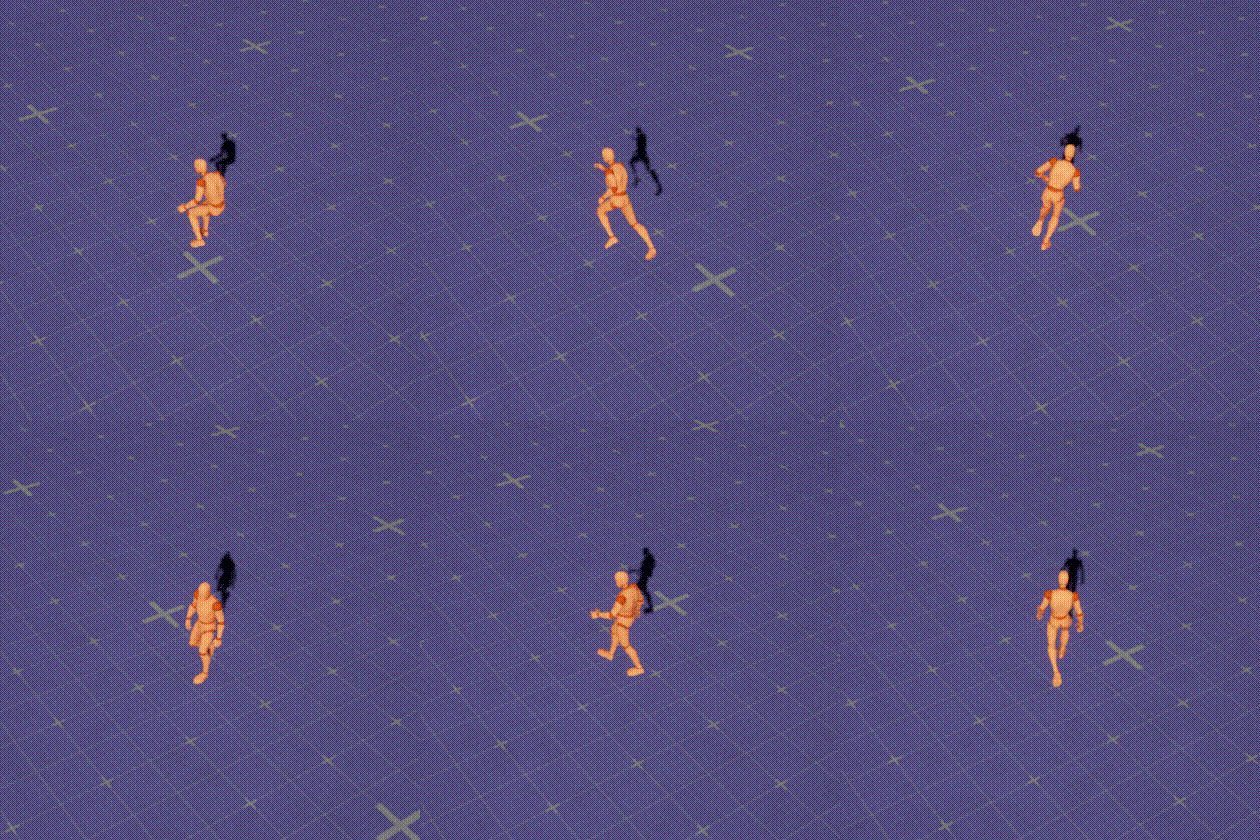
  • Unreal Engine 5.6.1 using the Game Animation Sample Project by Epic

Goal

The goal of the piece were two-fold:


  • Create a refined blockout of a hub-level for an isometric, souls-like game


  • Hand-off the blockout in a state that my collaborator then could utilize as a base for one of their portfolio pieces

Ideation & Concept

Pre-prod

We decided to treat this project as agile as possible, with continuous check-ins and space for adjustments.


The first week of this project were dedicated to pre-production, ideation and planning.


We also decided “the essentials” for the project:


  • The idea and concept of the level


  • What our expectations and goals were


  • What kind of art-style and setting we wanted


  • What camera perspective we wanted

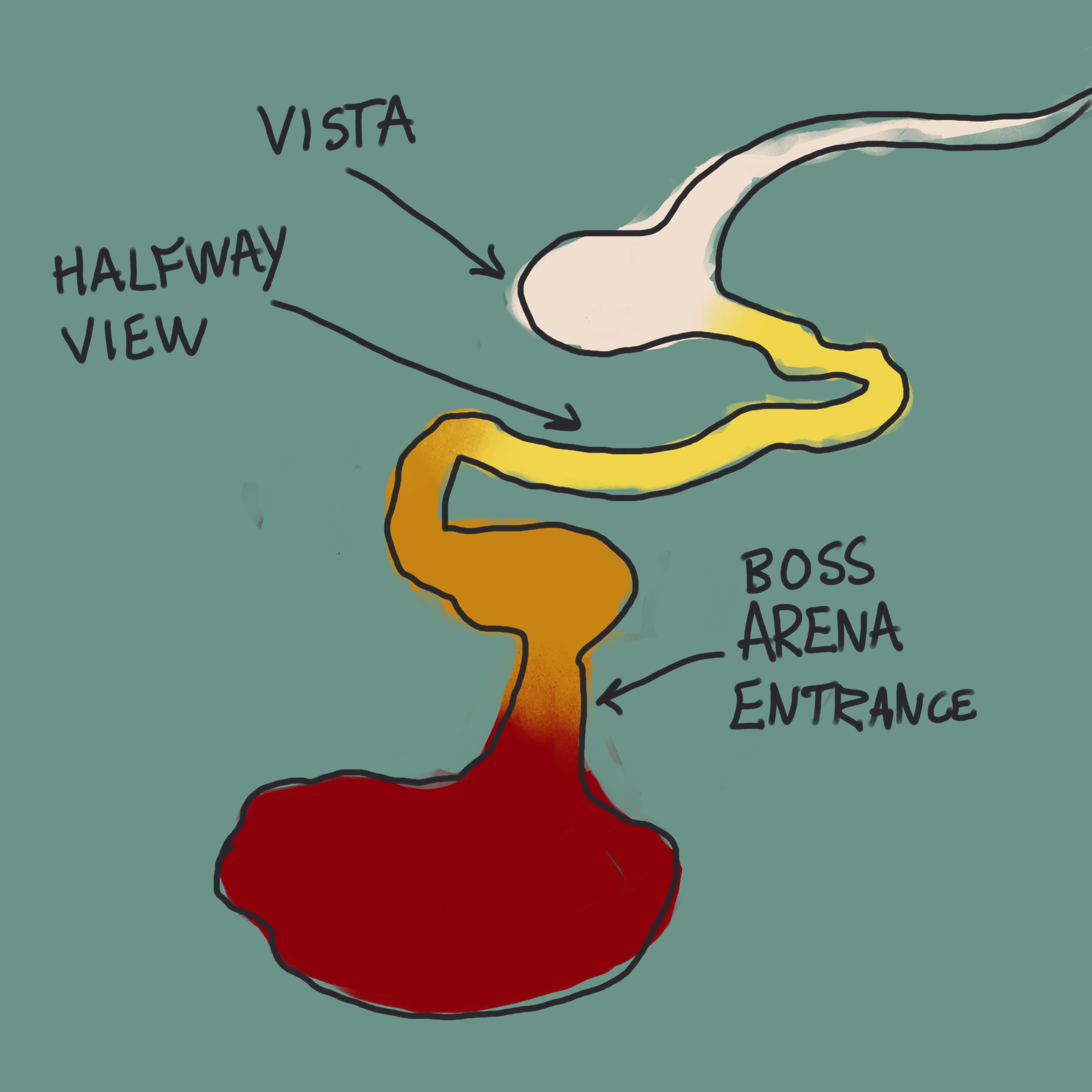
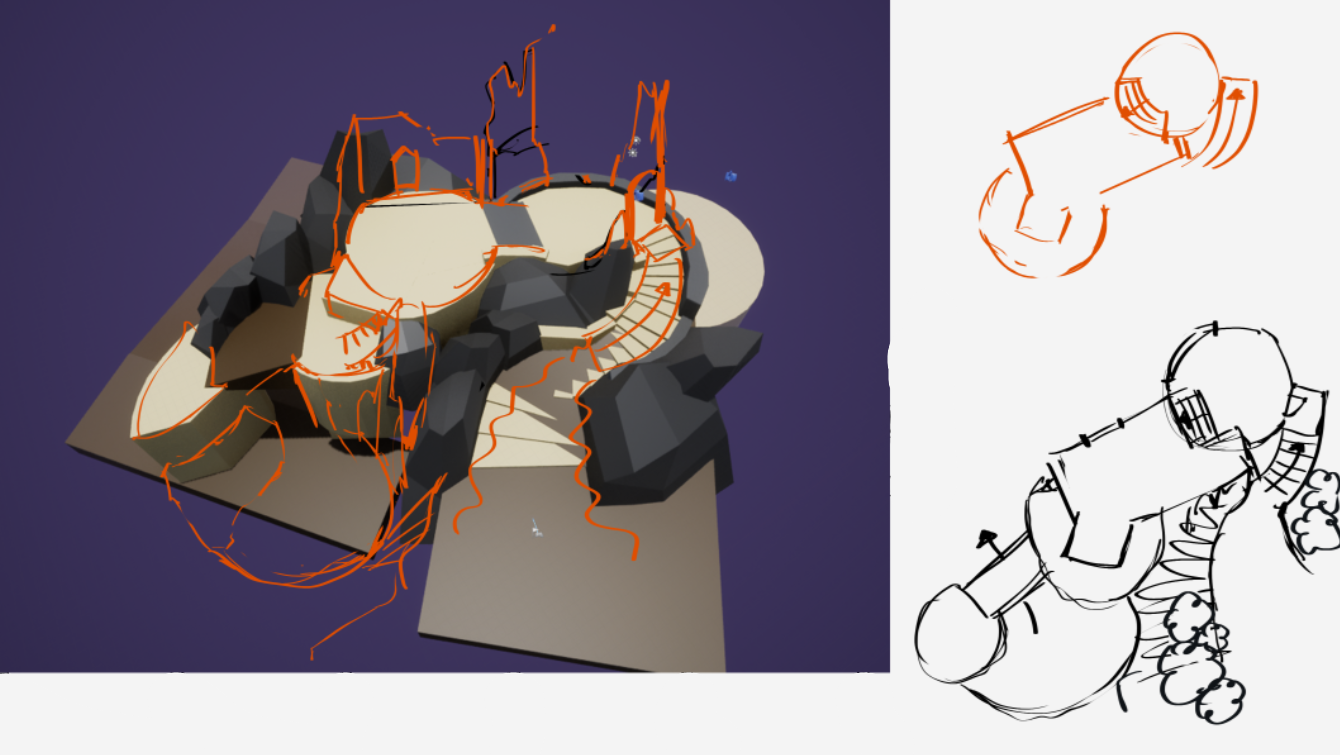
Early top-down sketch of the level

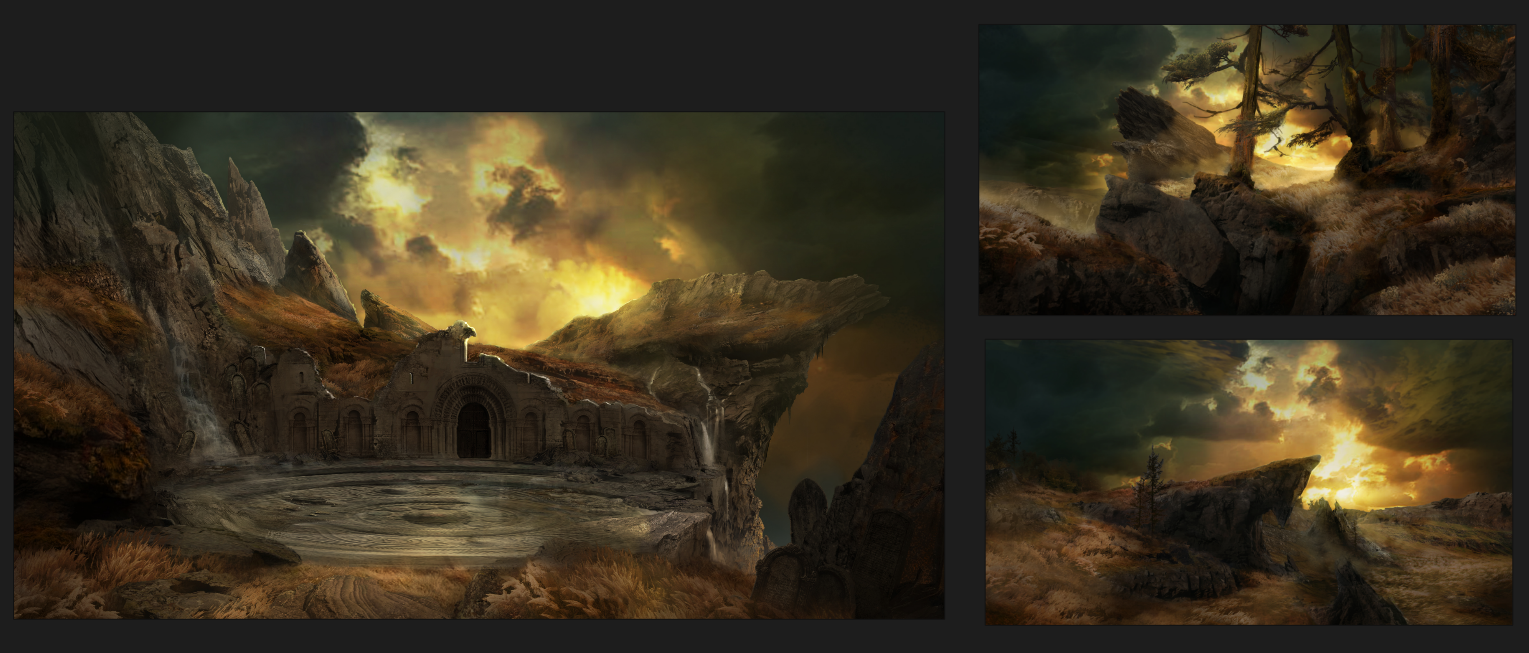
Initial concepting for the boss arena and environment.

The Idea

We initially decided to create an isometric boss arena and a short approach to it, with two postcard moments.


Due to the narrow scope, we  focused on a few features to let the environmental design be the main draw of the project.

Project Setup

Before starting with the blockout, I implemented a few features to realize the piece.

Movement

The template we used for the project, GASP, uses a third-person camera.


I replaced it with an isometric-style camera system.

Camera System

We wanted to emphasize the “postcard moments” and showcase more compositional work in the level.


I created a system that blends between the default camera position and a target position.

World Curve

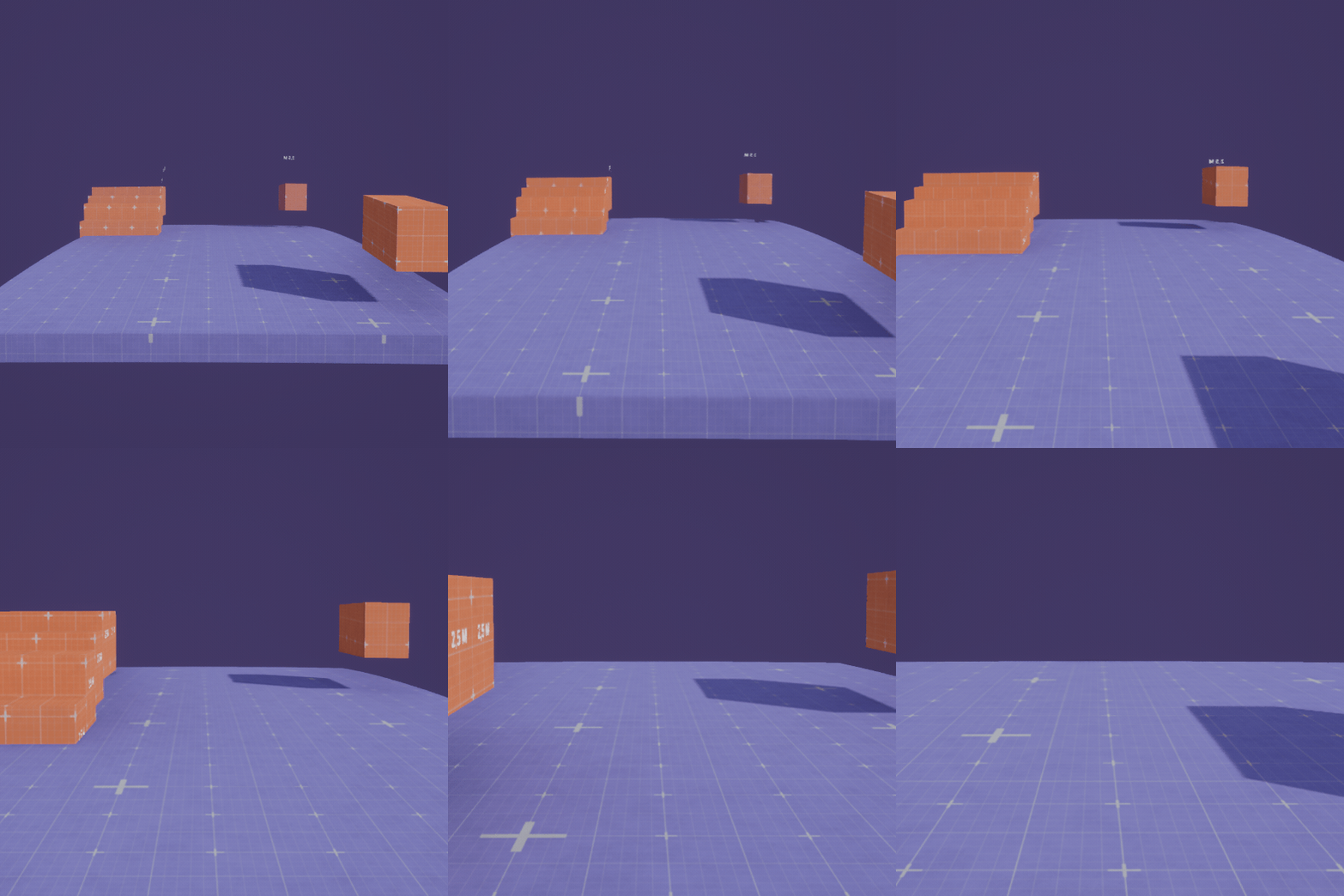
To further emphasize depth in the level, I made a material function that adds a isometric-style simulated world curve to the level.

Iteration, Feedback & Pivot

We wanted to add more elevation to emphasize the feeling of depth, as it creates interesting composition and design.
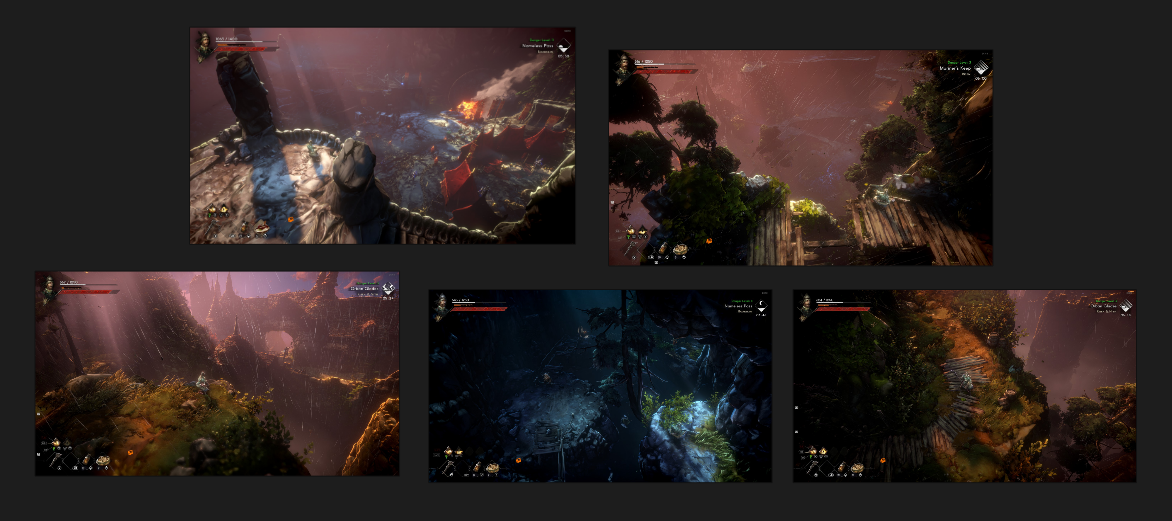
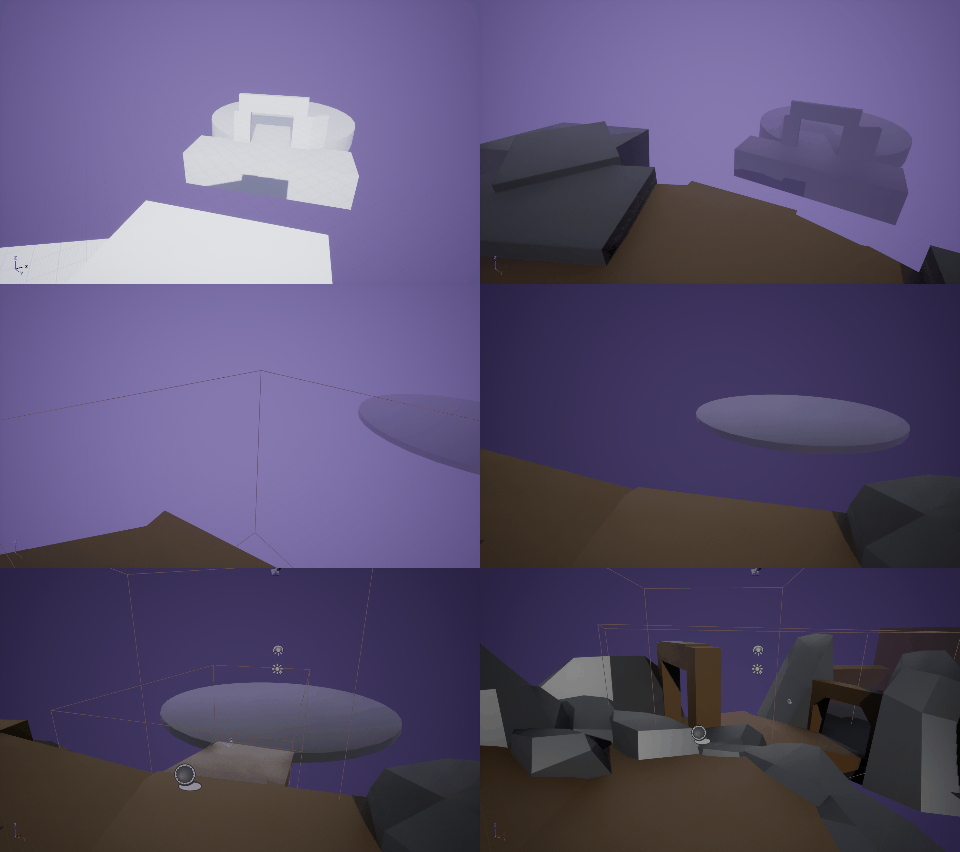
I used a cameras to be able to check how the vistas would look. This meant that I could keep these angles in mind throughout the creative process.

Feedback & pivot

It became apparent that the scope and size of the level was larger than we initially thought. We couldn’t quite make the boss arena “work”.


Because of the perspective we chose,  boss-approach had to be much longer than we anticipated due to camera clipping issues.


We had previously discussed having a bonfire checkpoint like the ones featured in the souls-games as part of the approach to the arena. 


What if we pivoted and turned that checkpoint into a hub instead?

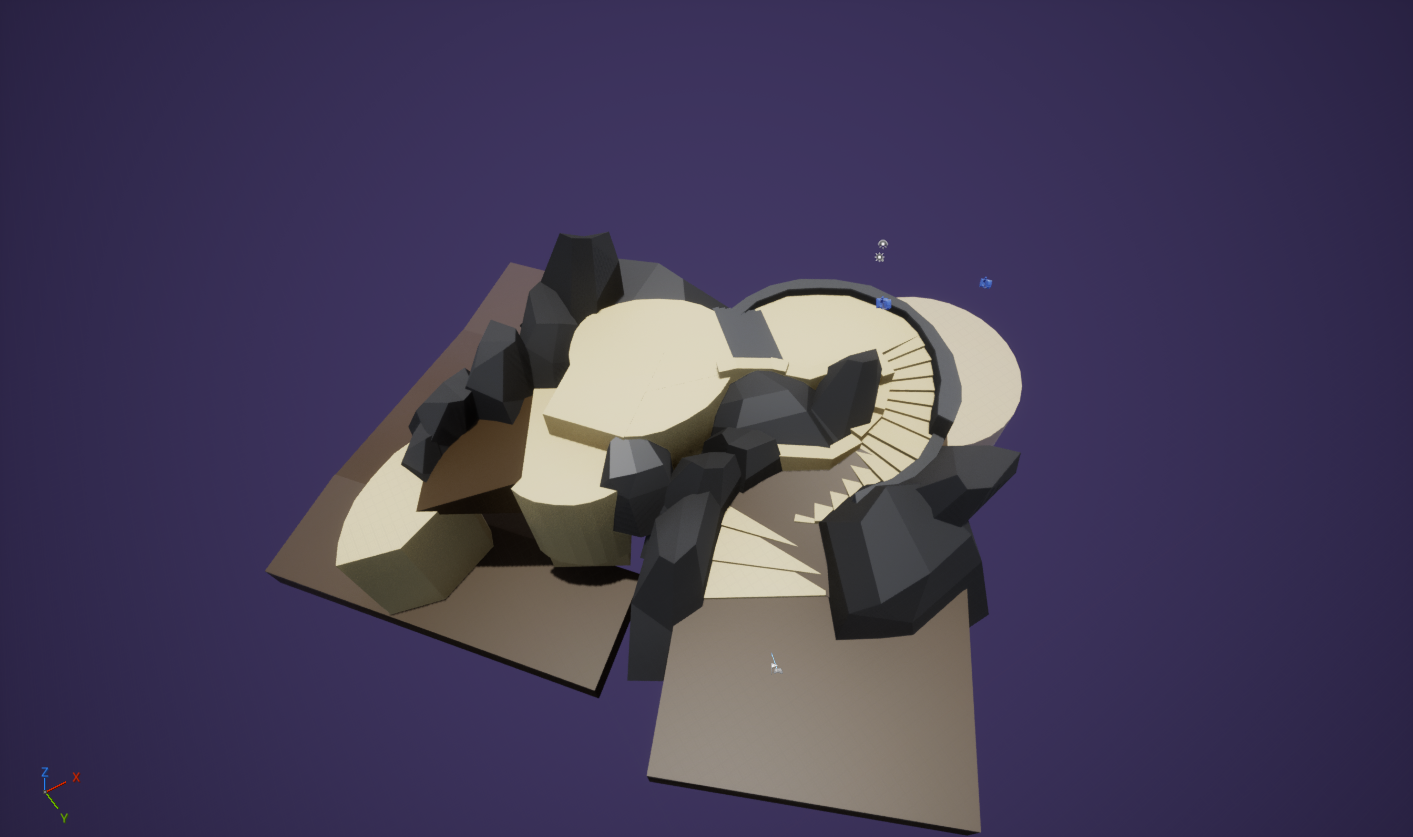
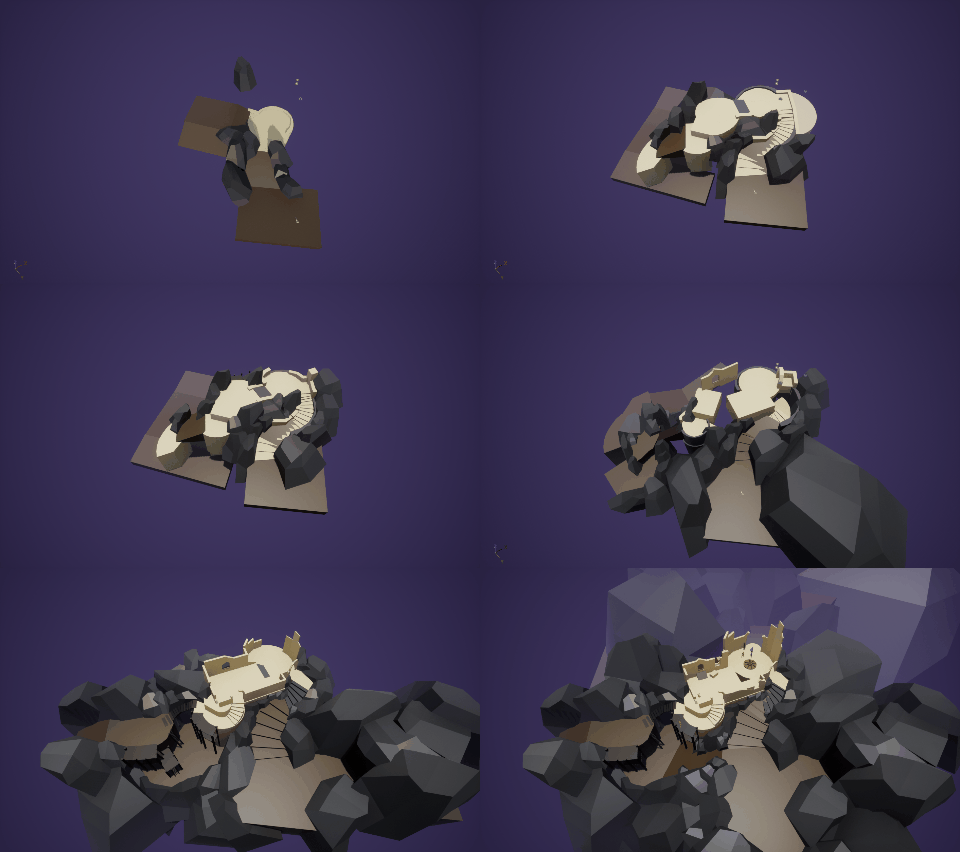
Rough blockout

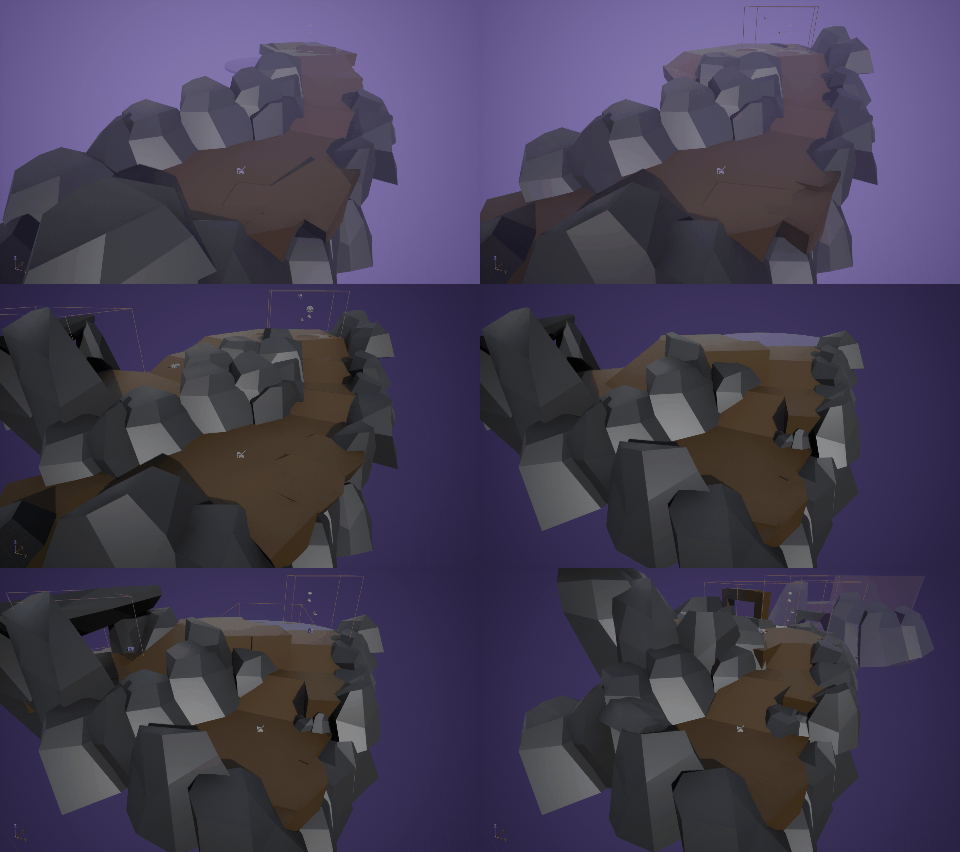
For the first iteration of the blockout, I prioritized the player path and the main lookout point.

Enter the Hub

(Re) Designing the level

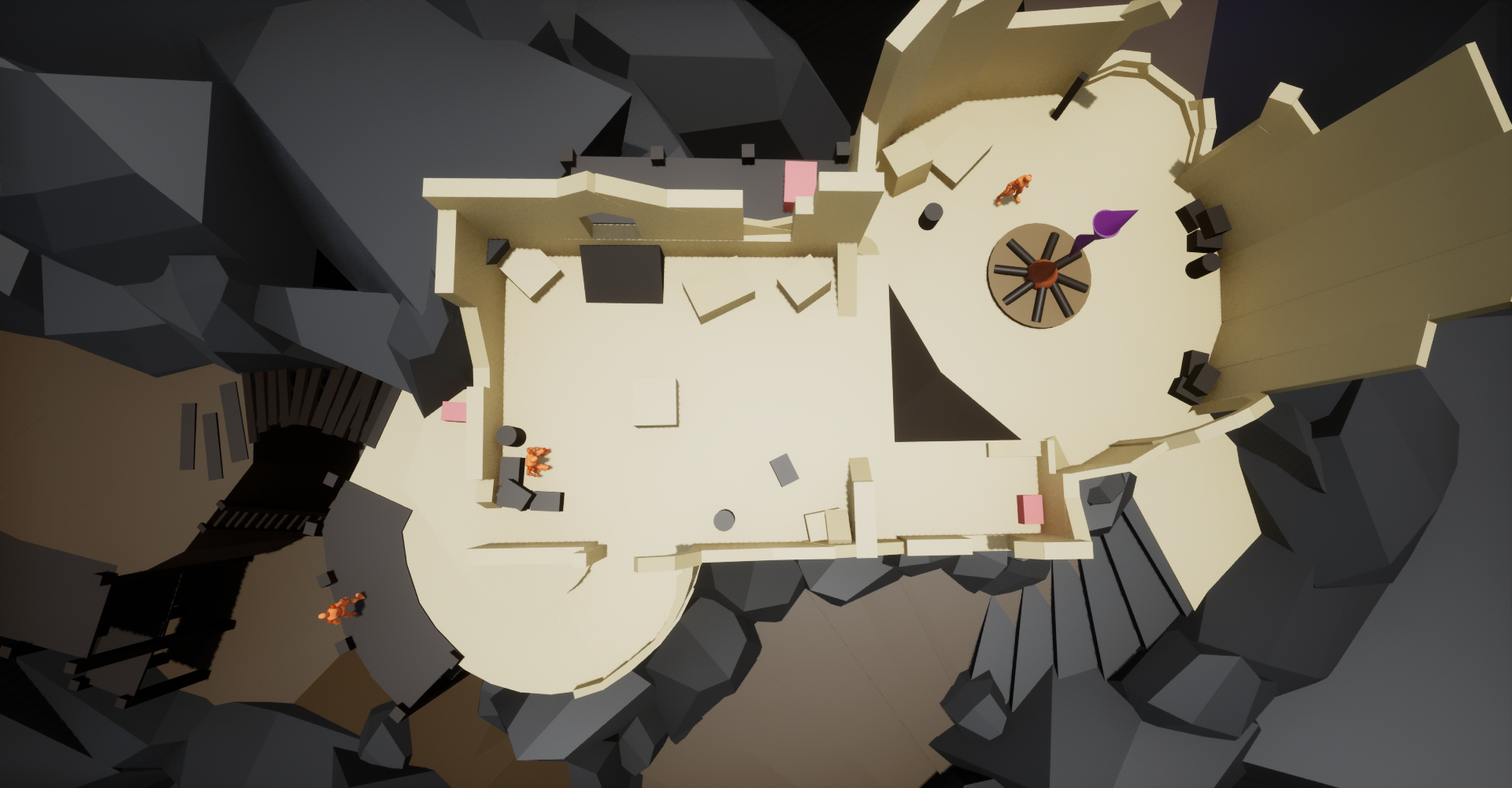
We both liked the idea of the hub being a ruined keep so I did a quick blockout to define the general shape of the keep.


We did paint-overs of the blockout and the vision of the hub started to solidify in both of our minds.  

Composition and Viewpoints

A focus of this project was to have postcard moments that would showcase  the compositional and environmental design of the level.


With the camera system, I could make these postcard moments really stand out. Being able to force the player into a specific view gave me much needed compositional freedom.


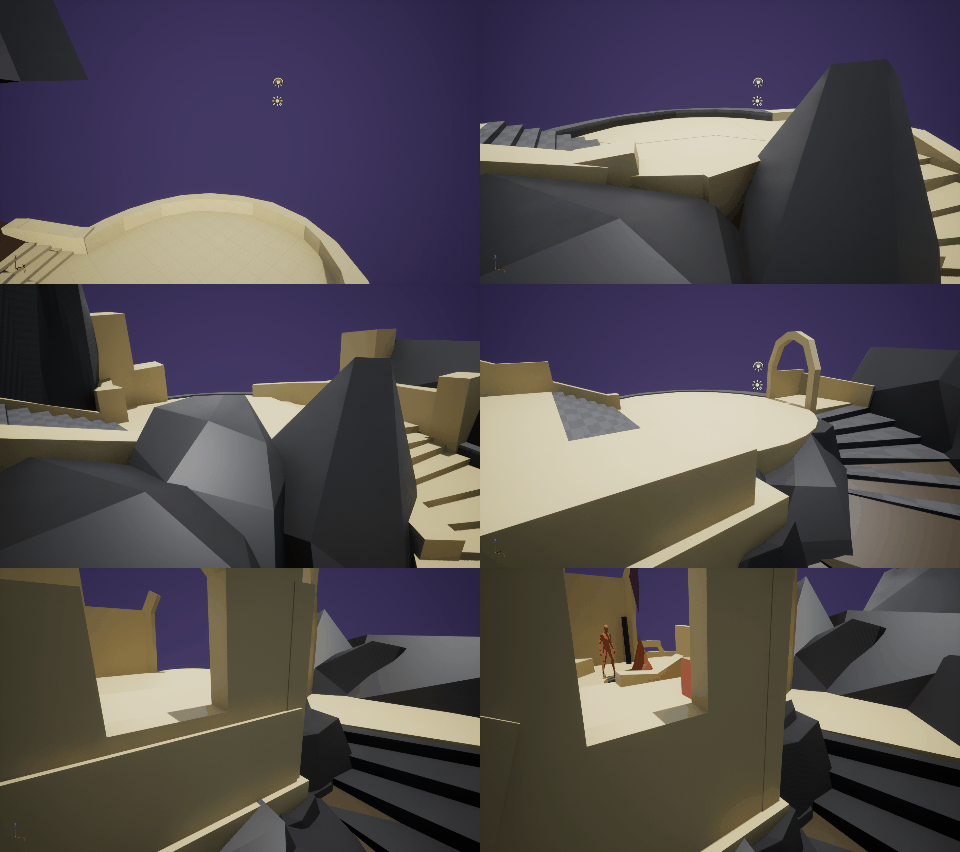
I settled on three distinct postcard moments;


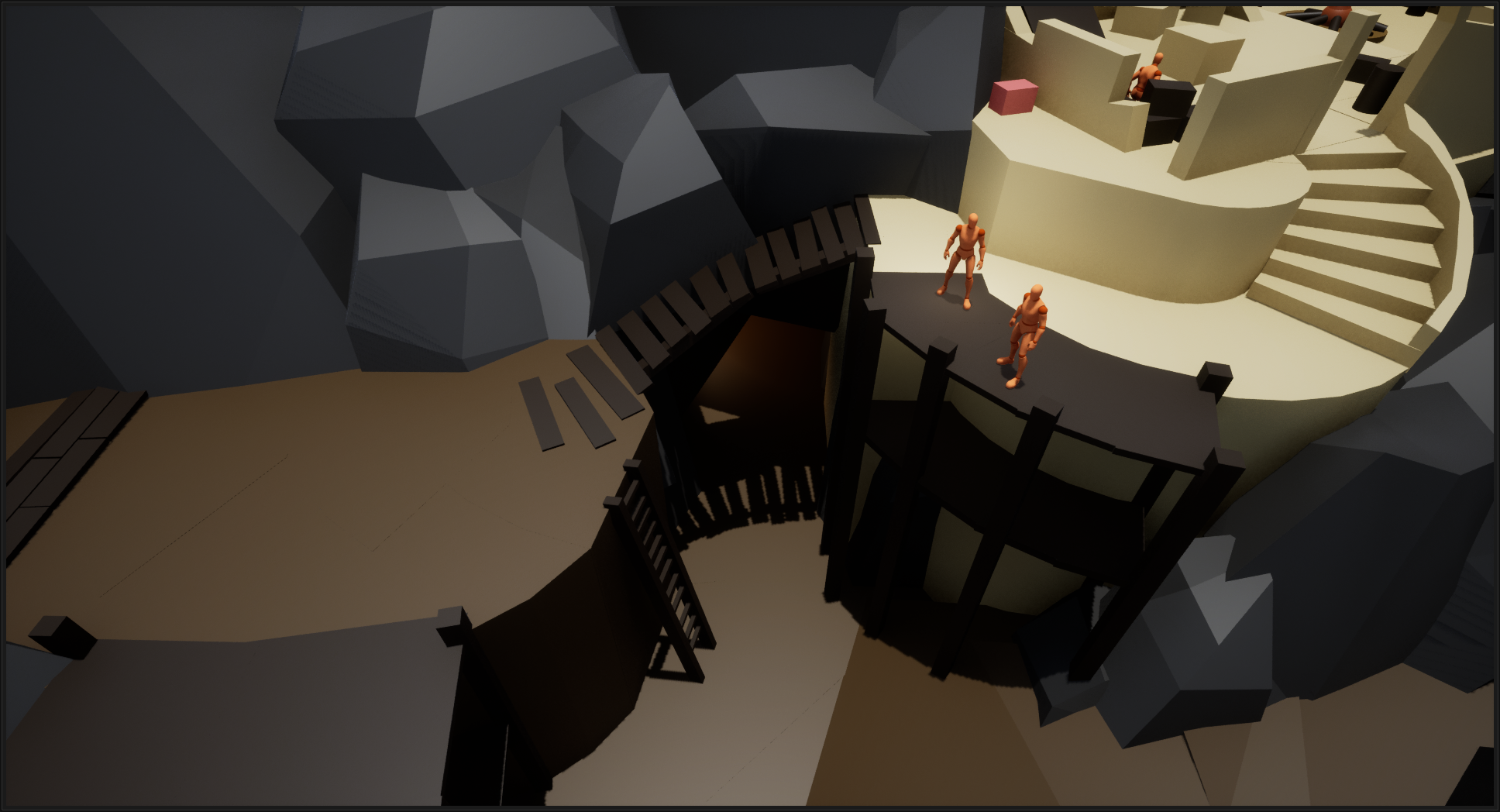
I added one view when the player moves through the path that goes underneath the keep. By lowering the camera position and angle, I was able to further emphasize the feeling of the player descending down into the unknown.


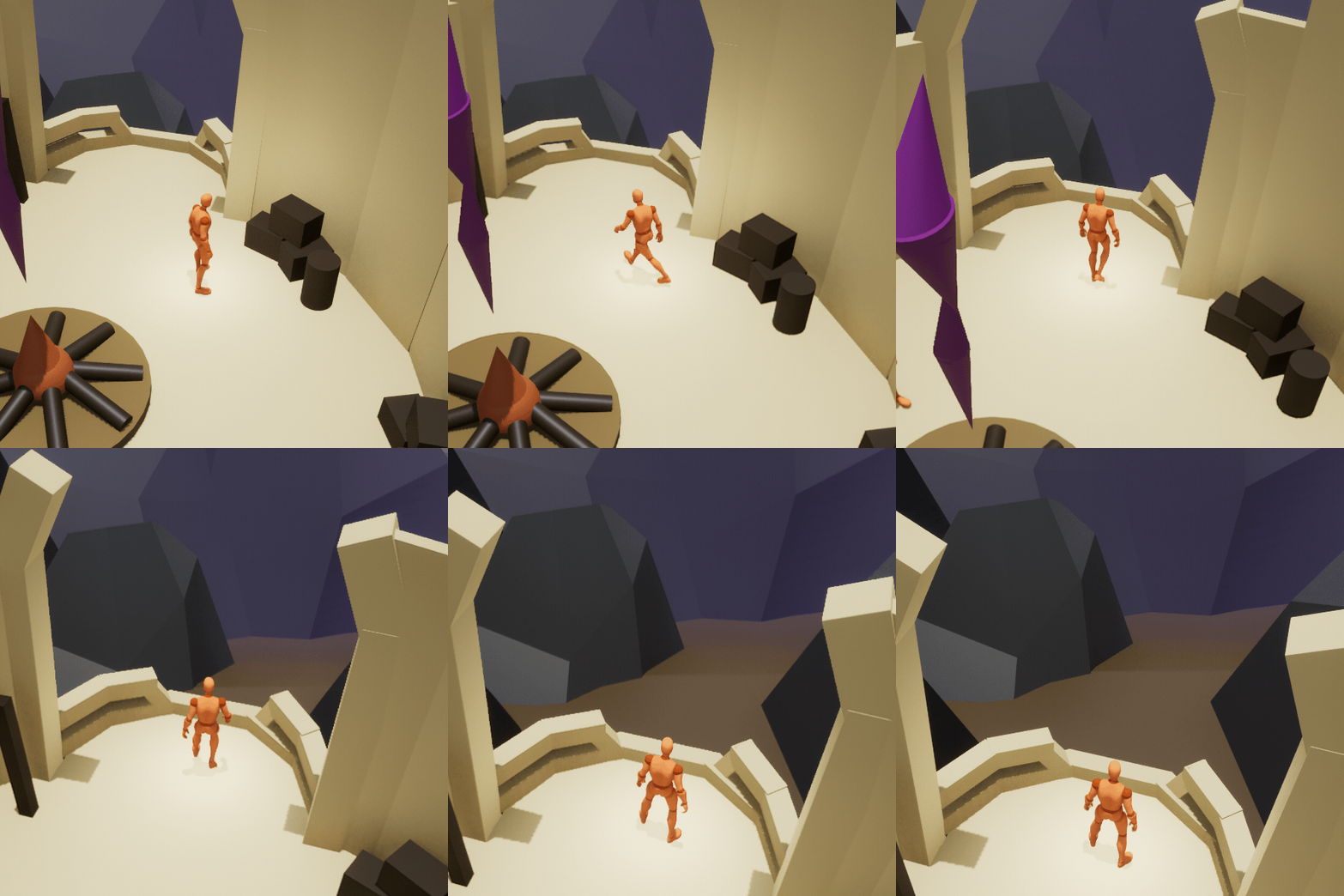
I created another view from the bonfire area of the hub. The camera angle is set to a steeper angle, to really drive home a sense of depth. It also serves as a form of foreshadowing, hinting at an upcoming area that the player will wander into later.


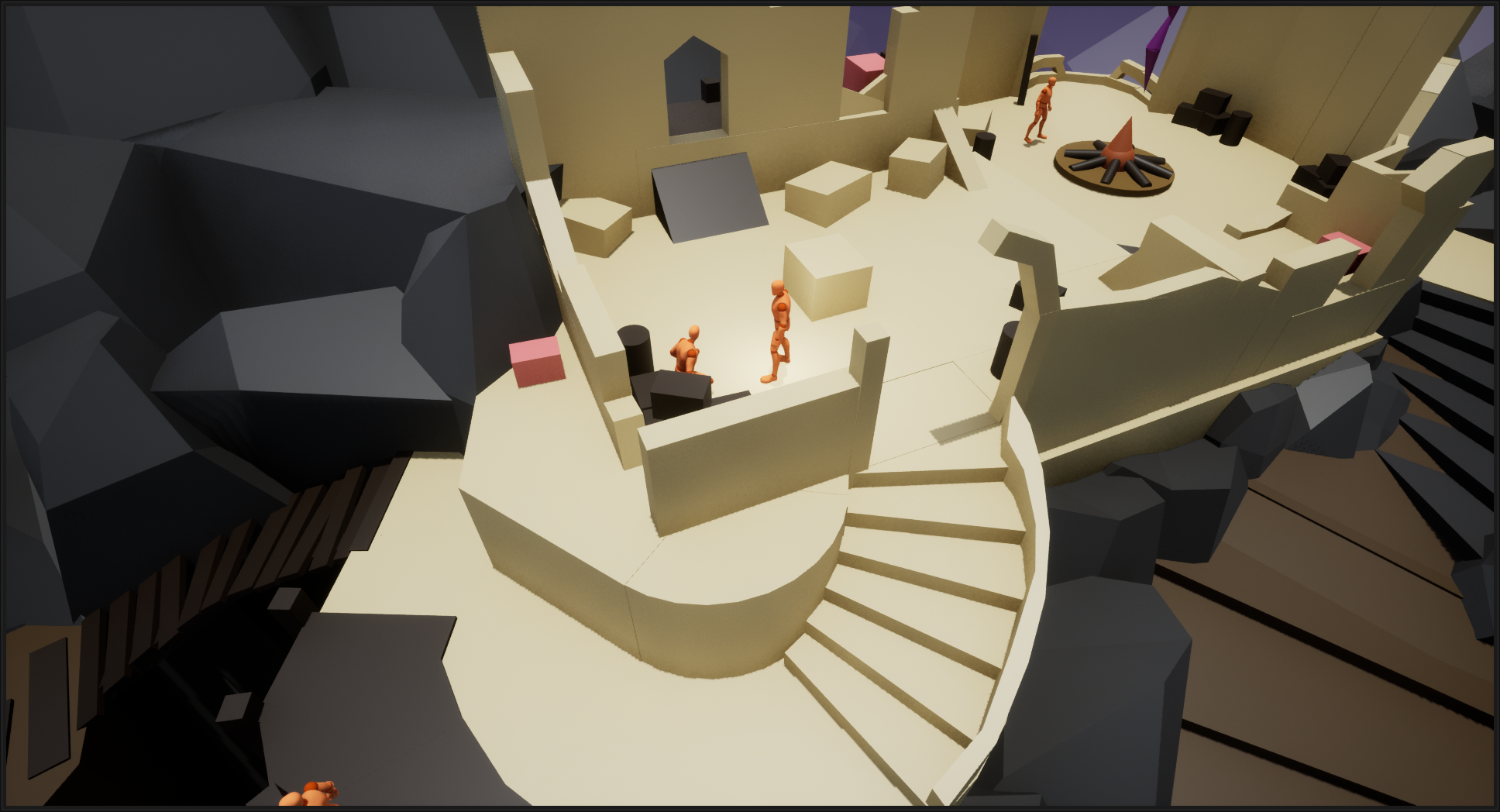
The final postcard moment I added serves more as an overview of the hub area. The camera angle is the same, but the position pans over the backside of the hub, to showcase how rough of a shape the keep is in.

Hub Design

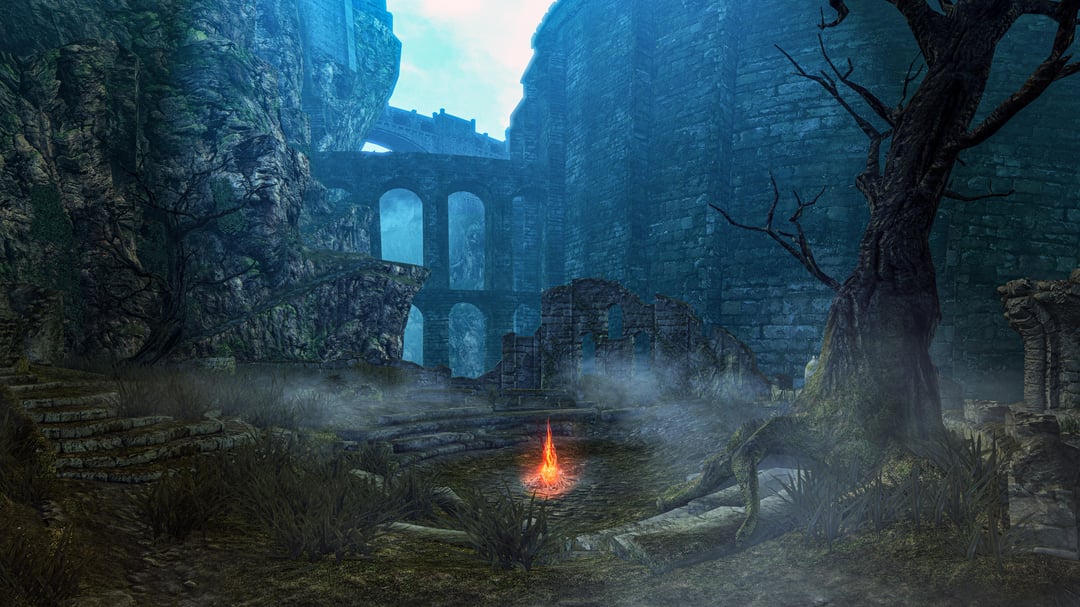
The hub was loosely inspired by Firelink Shrine, one of the most iconic hubs in the souls-games, with a main rounded area featuring the central checkpoint and bonfire.


We wanted the hub to make sense in its layout and shape, as if it was a stone structure from the 15th century.


I adjusted the design and placement of the keep a couple of times before we decided on the final layout.

Vendors and NPCs

I wanted this hub to be the main place where the player can level up by talking to the keeper at the bonfire. 


I also wanted additional NPC’s to increase the utility of the hub. I added Two vendors, one that buys and sells items, and one that sells spells.


Finally, I added paths away from the main hub to serve as different routes the player could use to get to new areas of the game world. 


This made the hub feel like a central point, akin to the hubcap of a wheel, with spokes leading out to different areas, always circling back to the hub.

Closing and polish

Iteration and closing

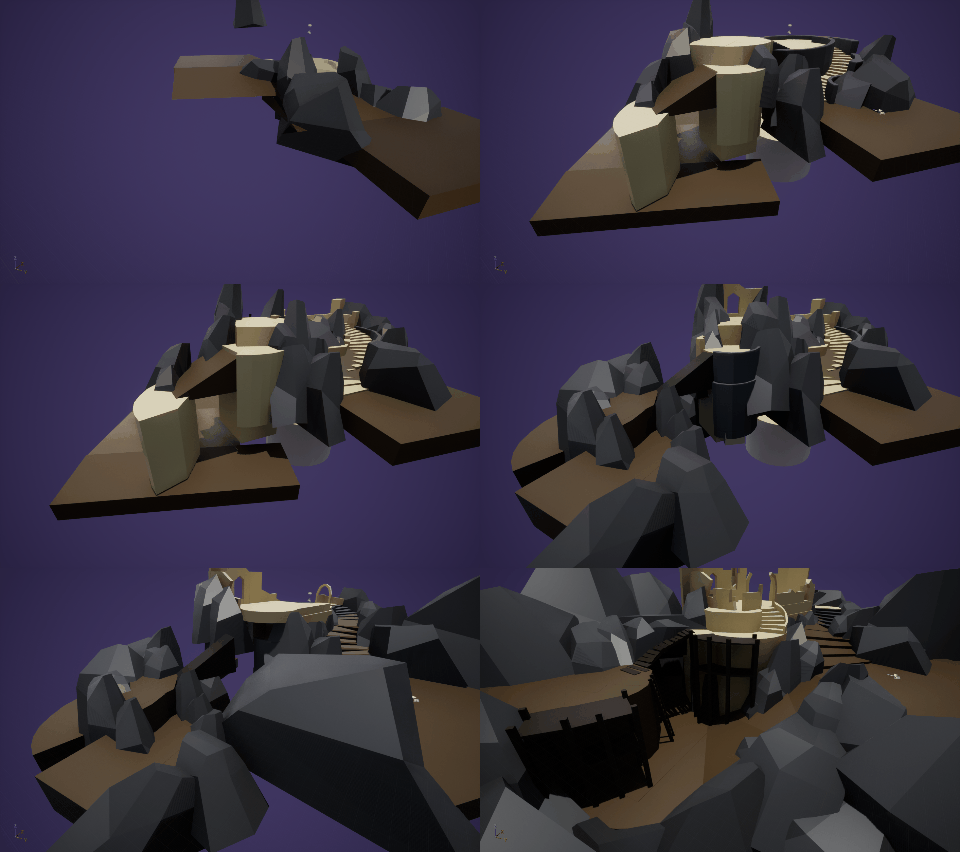
With the main layout roughly blocked out, I started iterating on the shape of the keep, to make it look closer to the concept.  


A shortcut was added that looped around to the beginning of the hub, so backtracking wasn’t only way to get back to the hub. 


This also created a loop which I feel is a great feature for hubs in general.

Refining the Design

After I finished with the iteration, I  added secondary and tertiary shapes to the blockout.


I created smaller secret areas to the hub, where hidden chests could be found.


This added an element of exploration to the hub.

This not only incentivizes player exploration, but also helps the player learn the layout of the area.

Finishing touches

Further detail were added outside of the hub to further anchor it to the world.


Throughout the process, we had clear communication between the both of us to make sure the scope didn’t bloat too much.


These check-ins resulted in a much more condensed and tightly designed hub.


Having realistic constraints was great, as I had to continuously balance the design between what would make it more interesting and what was feasible to realize.

Final Result

Reflection

I am very happy with how the hub turned out.


Being able to discuss ideas and get feedback on the design was extremely helpful. I really enjoy working together with colleagues and firmly believe that a project stands and falls on how well the communication worked.


The best part of projects such as this one is the collaboration, and I’ve really enjoyed that aspect of this project. 


I also felt that the agile mindset we embraced on this project made it much easier to take a step back and pivot when things didn’t quite work out as we hoped it would. 


If we had more time, there’s one thing in particular that I’d done differently.


I believe we would have reached the same conclusion much earlier in the process by producing quicker and rougher blockouts before we decided the type of level we wanted to do .